Desktop Clock Live
100+ designs for every taste. Any city in the world. Always in view.
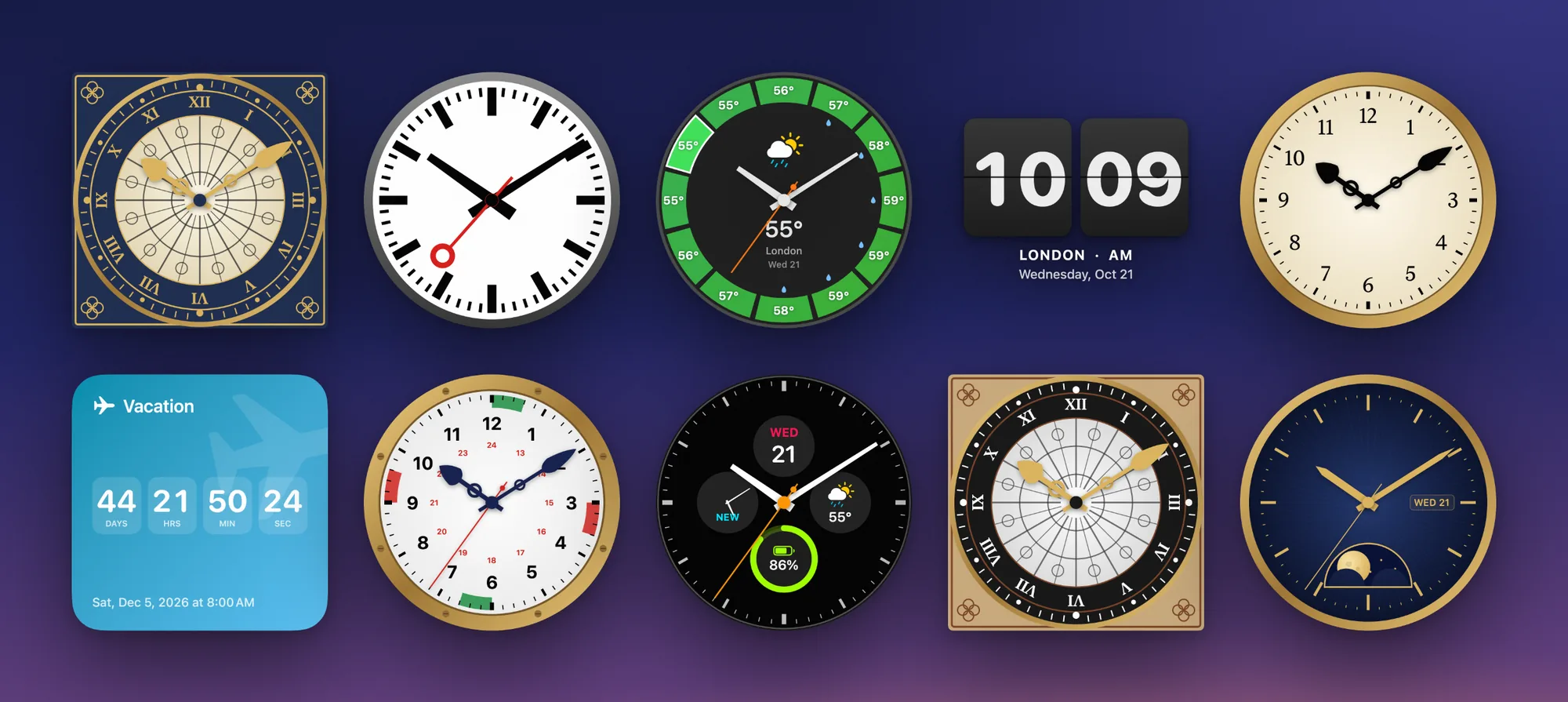
Beautiful clocks, right on your Mac desktop. Choose from more than 100 designs, give each clock its own city, and keep the time, the weather and the days to your next big moment always in view.

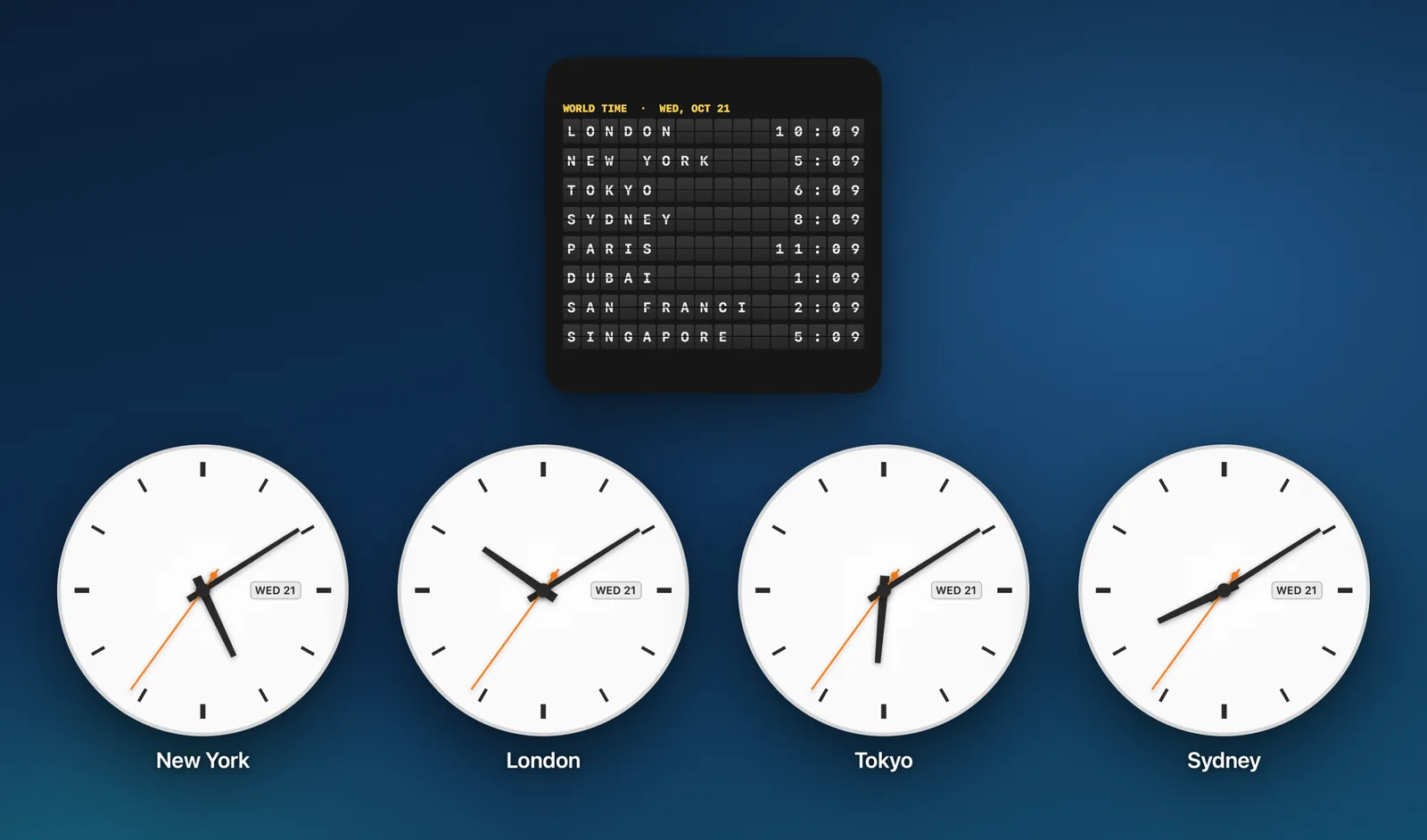
Every city you love. At a glance.
Give each clock its own city, with the name and date underneath, and follow family, colleagues or your next trip across time zones at a glance. The split-flap Departure Board lists all your cities at once.
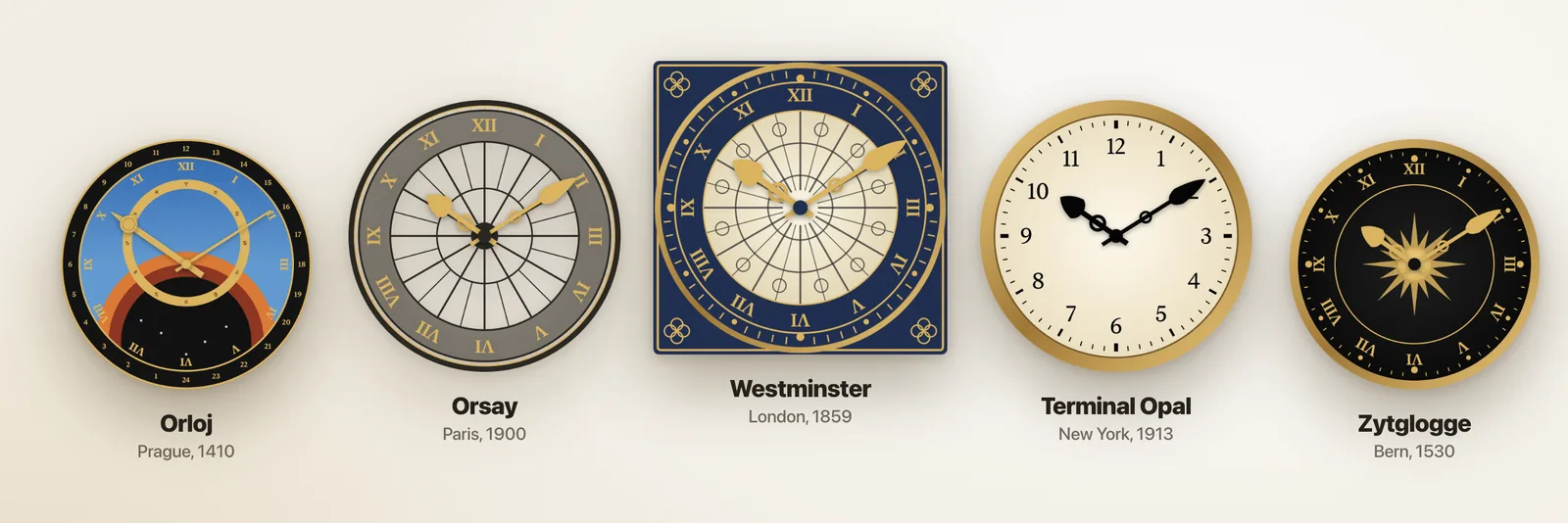
Famous clocks from around the world.
Landmark dials redrawn in sharp detail: Westminster in London, the Orsay station clock in Paris, the Prague Orloj, Bern's Zytglogge, Terminal Opal from New York, a classic railway station clock and more.
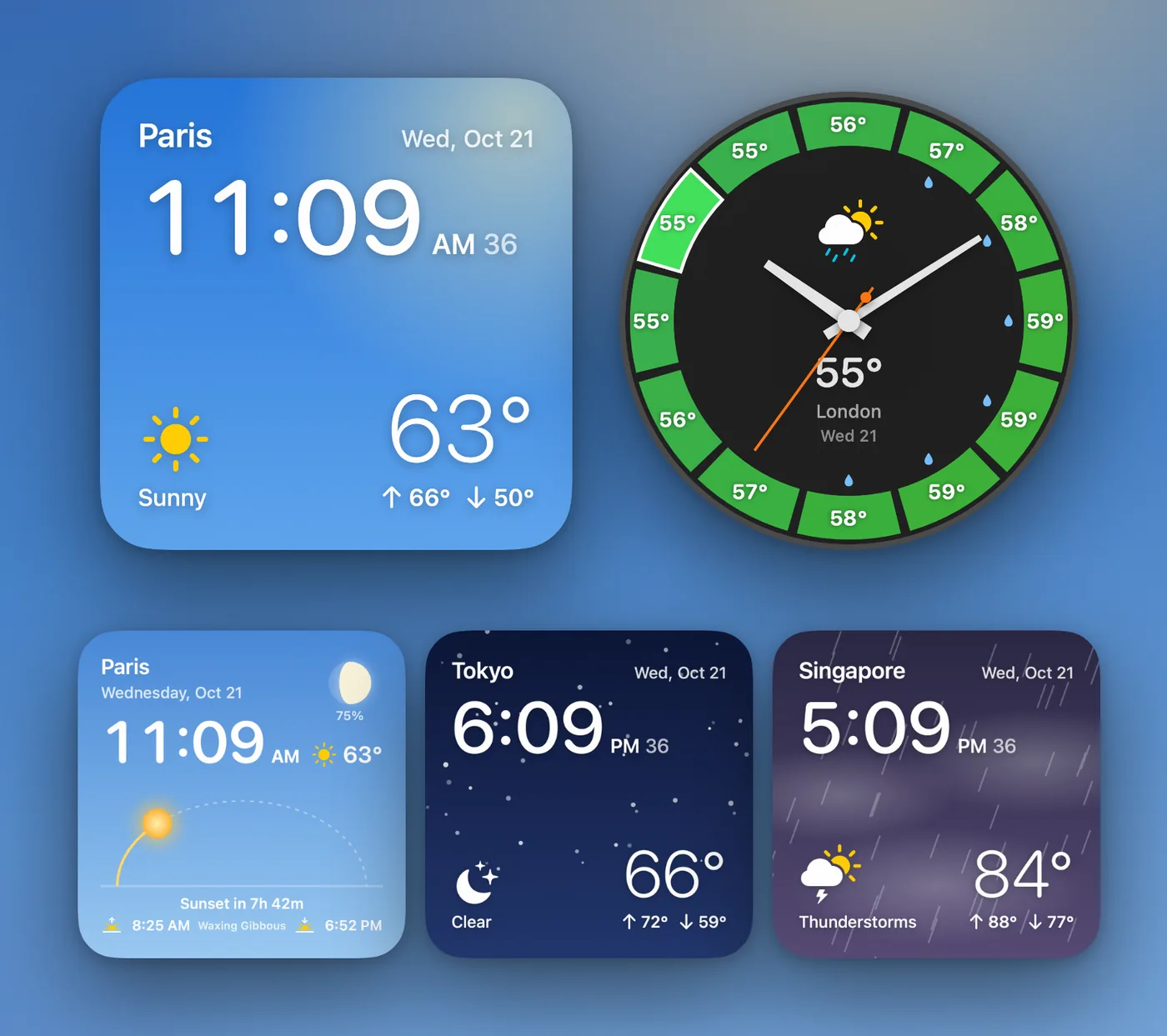
Time and weather. One glance.
Weather designs show live conditions, the next 12 hours, sunrise and sunset, wind, and a sky that changes with the weather and the time of day. Night Map shows where on Earth it is night right now.
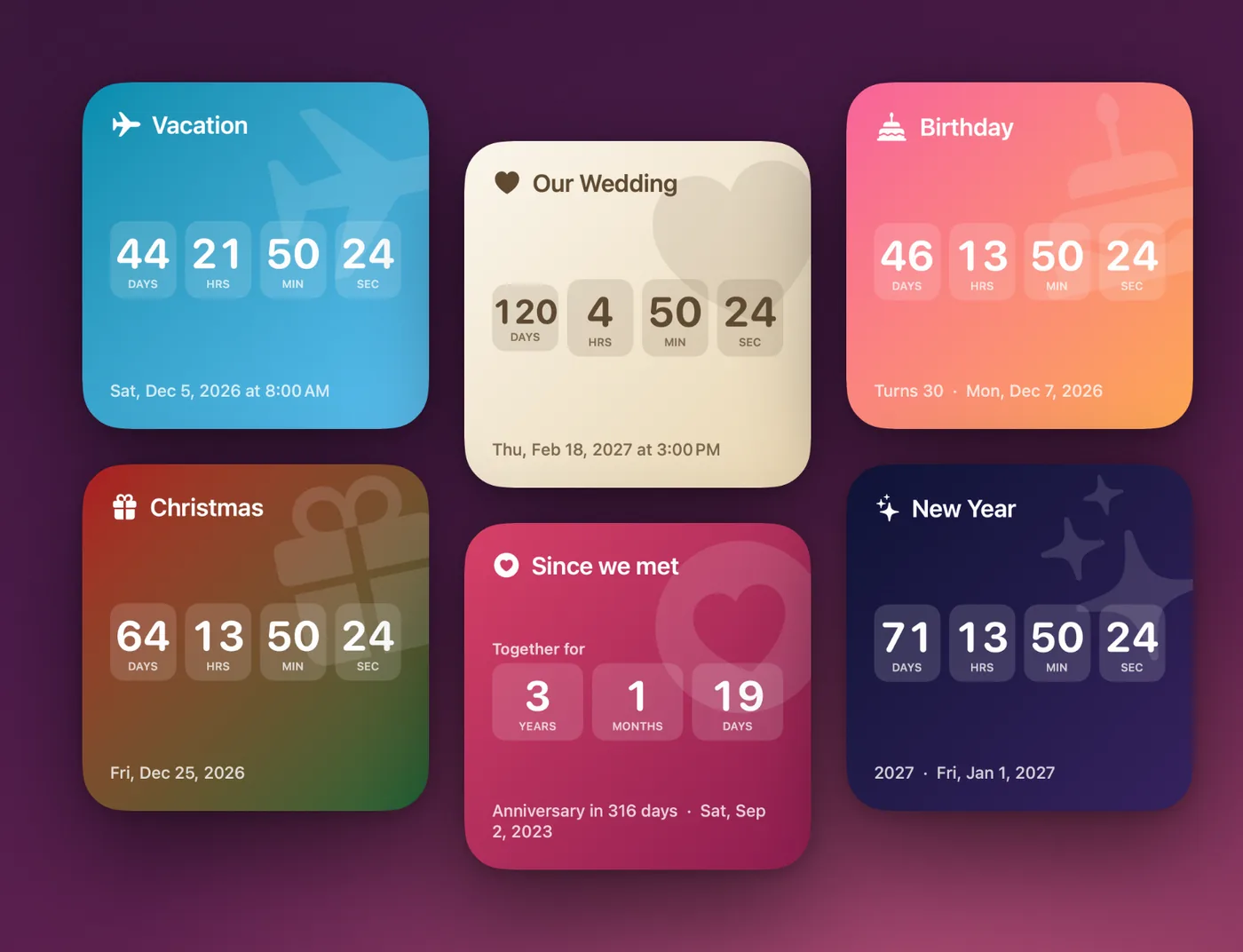
Count down to what matters.
Count down to a trip, a birthday, a wedding, Christmas, New Year, Lunar New Year or Ramadan. After the big day, the clock counts up: years together, a baby's age, days since you started something new.
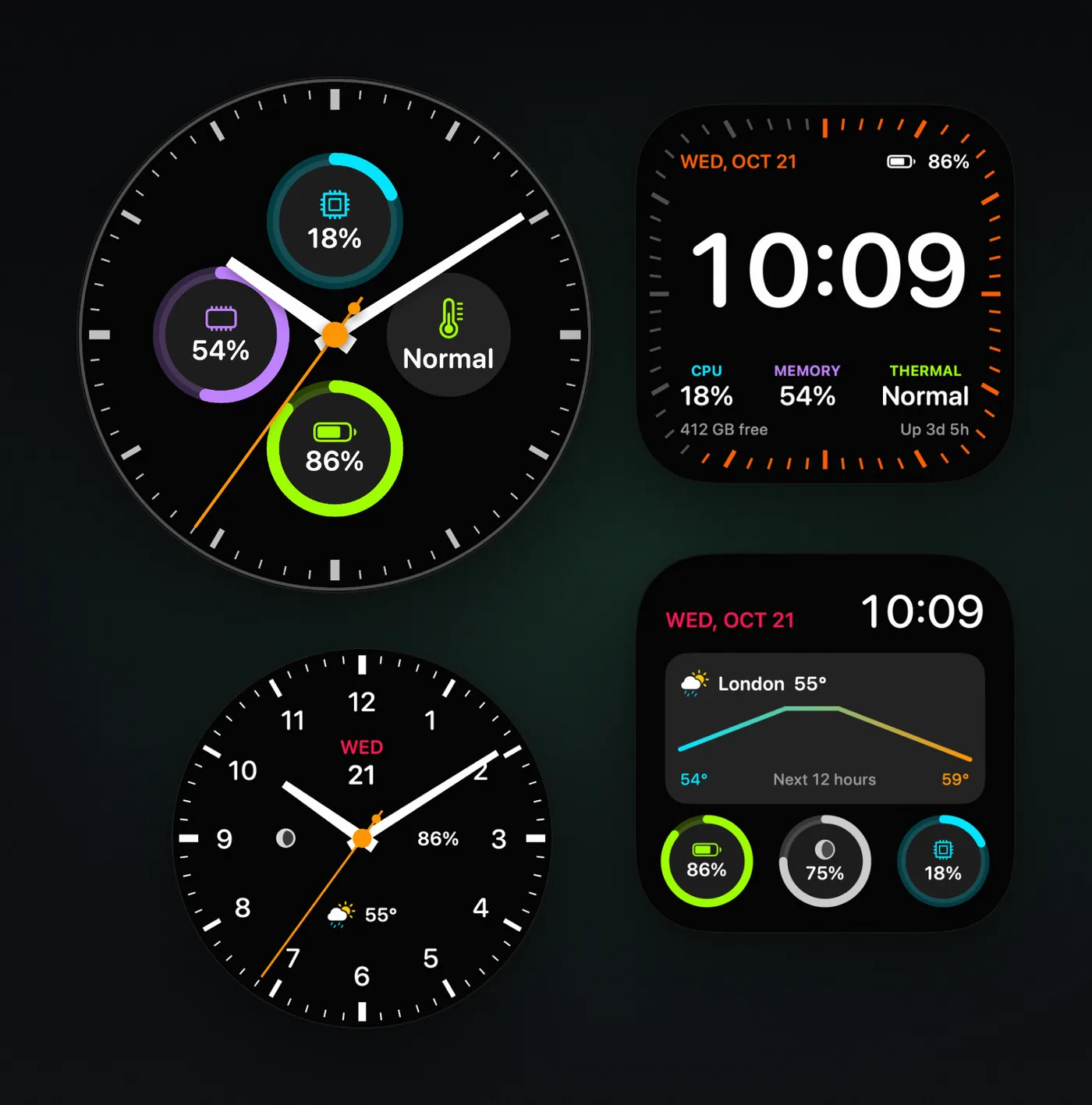
Your Mac's vitals on a watch face.
CPU, memory, battery, weather and the moon, always on your desktop.
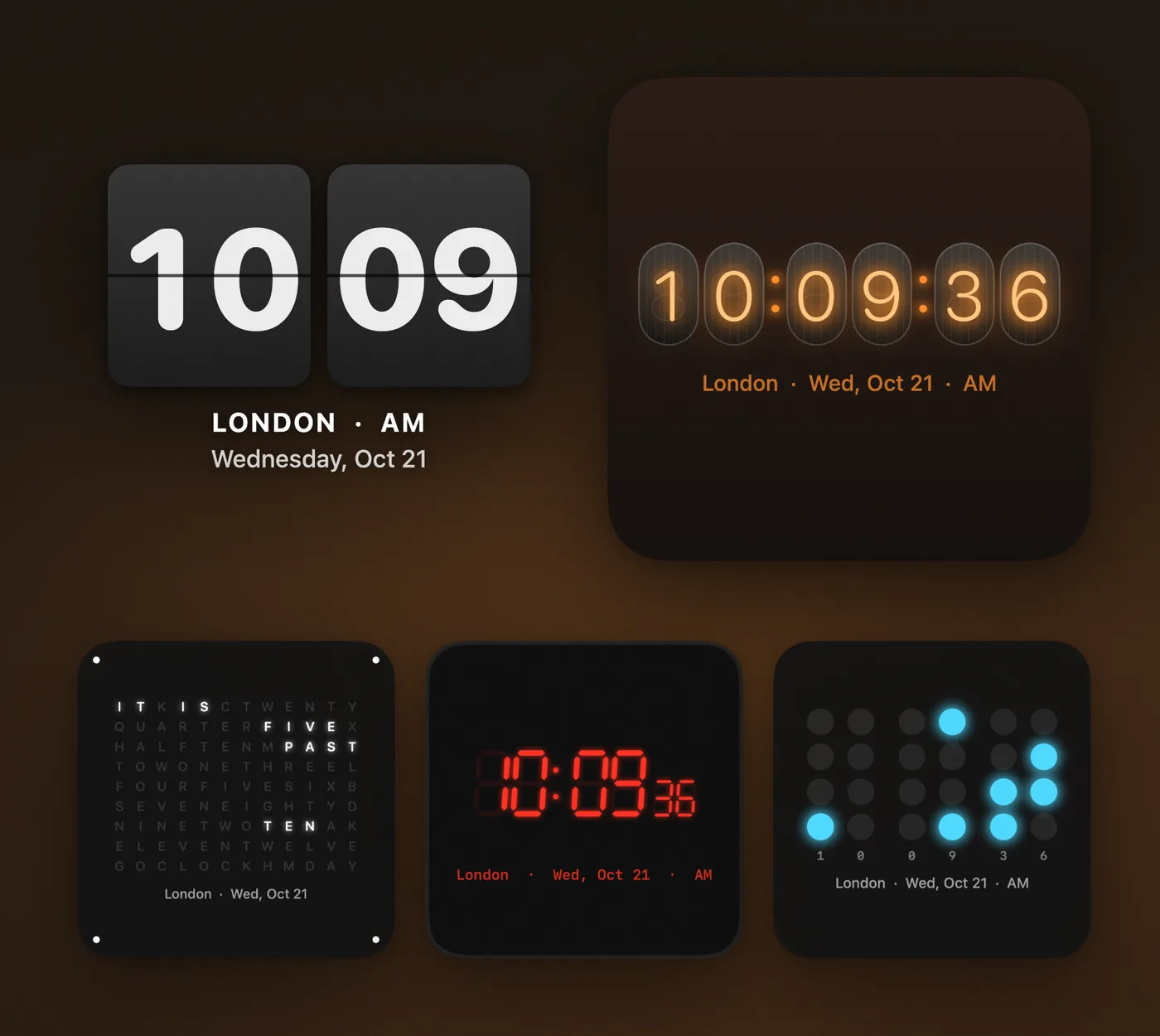
Flip, Nixie, LED or words.
Retro digital clocks, a word clock and binary for every kind of desk.
Make it yours in seconds.
Pick a design and a city. Set the size, opacity, seconds and date.
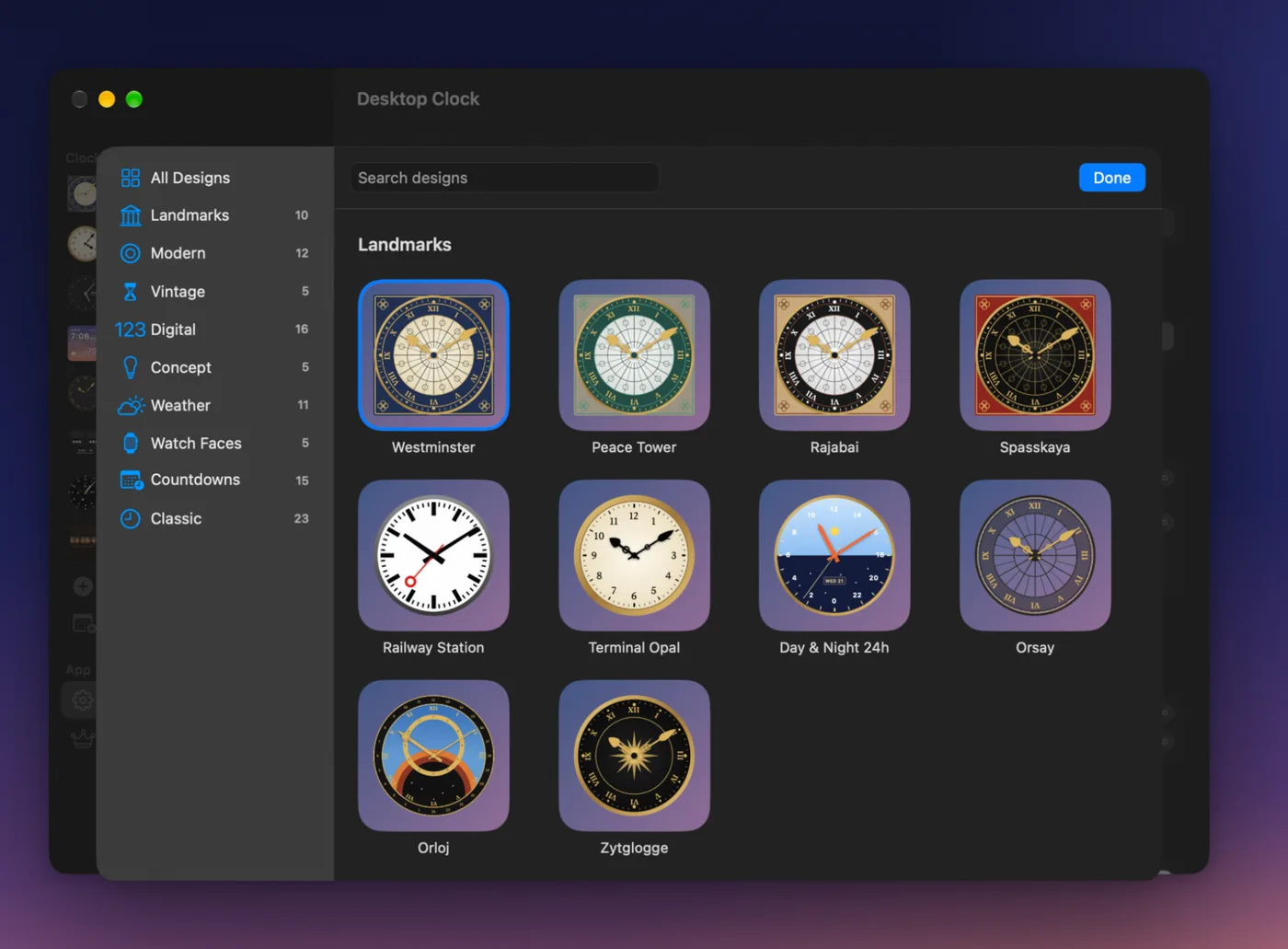
A design for every desk
- Watch dials: Diver, GMT with a second time zone, Chronograph, Field, and Moonphase with tonight's moon
- Vintage: a Vienna regulator and a cuckoo clock with swinging pendulums, a pocket watch, Art Deco and a 1950s diner neon clock
- Digital: Flip, Nixie tubes, LED, LCD, VFD, Dot Matrix, Neon Sign, Terminal, Pixel, Binary and a Word Clock
- Watch faces with your Mac's CPU, memory and battery, and the weather
- Concept clocks: Polar rings, Day Progress, Color Clock, a real Sundial and Golden Squares
- 23 classic Desktop Clock designs
Made for your Mac
- Keep clocks on the desktop or above all windows. They fade when your pointer comes near, so they never block a click.
- Hot corners bring your clocks to the front.
- Set the size, opacity, second hand and date for each clock.
- Show a live clock in the Dock, or hide the Dock icon.
- 12 or 24 hour time, °C or °F.
- Opens at login and runs quietly in the background.
- Available in 18 languages.
Free and Pro
Desktop Clock Live is free with one clock and 13 designs: Minimal Light and Dark, Schoolhouse, Digital, Countdown, Days Since and 7 classic designs. Desktop Clock Pro, an in-app purchase, unlocks up to 12 clocks and every design, including the landmark, weather, watch, vintage and concept clocks.
Requires macOS 13 Ventura or later. Weather data from The Weather Company.
Questions or ideas? Email us at info@vorosinnovation.com.